Starlink Residential 100 Mbps, 200 Mbps, or Max: prices, hardware, and which plan fits
Compare Starlink Residential 100 Mbps, 200 Mbps, and Max in the US and UK: pricing, included hardware, free install triggers, speeds, and plan change rules.
Editorial transparencyPricing, hardware pairings, contract clauses, and speed documents were checked directly on Starlink public pages and checkout flows. We participate in the official referral program and may earn a reward at no extra cost to you.Read more
Pricing, hardware pairings, contract clauses, and speed documents were checked directly on Starlink public pages and checkout flows. We participate in the official referral program and may earn a reward at no extra cost to you.
Starlink
Applied automatically through Cecília's link.

Quick answer
Starlink divides residential service into 100 Mbps, 200 Mbps, and Max tiers, though availability varies by address. Beyond speed limits, your plan choice changes the included dish kit, free installation eligibility, and self-service plan switching. Check your address via our official referral link to confirm local terms and earn a bill credit after two paid cycles.
US and UK pricing and how the referral credit applies
Both the United States and the United Kingdom display all three residential speed tiers on starlink.com, but with very different promotional structures. For a Nevada test address in the US, Residential 100 Mbps runs $38.50/month promo ($55 regular), Residential 200 Mbps runs $59.50/month promo ($85 regular), and Residential Max runs $91/month promo ($130 regular), each paired with a $0 upfront and $0/month rental kit plus $20 shipping and taxes.
For a Westminster, London address in the UK, the order summary listed standard rates with no promotional discount: £40/month for 100 Mbps, £60/month for 200 Mbps, and £80/month for Max, with £0 hardware rental, £19 shipping, and an explicit "No contracts" label. Starting an order as a first-time customer through the official referral link adds a US$ 100 bill credit in the US or £40 in the UK after two full paid billing cycles, never deducted from hardware charges at checkout.
Day-one payment and bill credit simulator (US, Nevada reference)
- V5 + Router Mini rental + shipping
- $0.00 kit + $20.00 shipping
- Monthly service ($38.50/mo promo vs. $55 regular)
- $38.50/mo (starts on activation or 7 days after delivery)
- Bill credit after 2 full paid cycles
- US$ 100.00 on account
Optional professional installation adds $99 on 100 Mbps. Monthly billing starts on activation or 7 days after delivery; US$ 100 credits after two paid cycles.
- V4 + Router 4 rental + pro install + shipping
- $0.00 kit + $0.00 install + $20.00 shipping
- Monthly service ($59.50/mo promo vs. $85 regular)
- $59.50/mo (starts on activation or 7 days after delivery)
- Bill credit after 2 full paid cycles
- US$ 100.00 on account
Stepping up to 200 Mbps in the US waives the $99 install fee and includes Router 4; monthly service starts on activation or 7 days after delivery.
- Hardware & checkout (official vs. retail)
- $20 (+ tax) on $0 US rental, or full store price at retail
- Monthly service & address promo
- $38.50/mo starts on activation or 7 days after delivery (no retail $0 kit)
- Referral bill credit
- $0.00 (forfeited)
Skipping the referral link forfeits the US$ 100 bill credit, and buying at retail stores excludes both $0 rental kits and referral rewards.
Even when hardware shows $0 upfront rental, you pay only kit and shipping at checkout while the first recurring monthly fee starts on activation or 7 days after delivery, whichever comes first. The referral reward never reduces day-one charges and posts as bill credit after two paid cycles.
What changes beyond Mbps: hardware generation, free install, and terms
Most shoppers compare only the headline megabit caps, yet the checkout silently ties each plan to distinct hardware and installation pricing. In the US Nevada checkout, choosing 100 Mbps assigns a V5 kit plus Router Mini rental and charges $99 if you want professional installation; moving to 200 Mbps switches the kit to V4 plus Router 4 and drops professional installation to $0; picking Max adds an extra Router Mini alongside the Standard 4 X kit at $0 rental.
In the UK, the hardware jump happens at 200 Mbps while the free installation trigger waits until Max. Specifically, UK 100 Mbps ships a Mini Rental with Router Mini and prices optional installation at £74, whereas 200 Mbps upgrades the hardware to Standard 4 rental while keeping the £74 install charge, and only Max bundles professional installation at £0.
Unlike Brazil or Mexico, where subsidized hardware purchase offers can attach a mandatory 12-month term and early change fees, the tested US and UK rental offers carried no fixed-term lockup, requiring only that rented kits be returned if you cancel. If you want to review full cancellation mechanics and regional 12-month contract rules across countries, read our Starlink contract and cancellation guide.
Official speeds, latency, and which tier fits your home
Starlink's current Broadband Facts documentation (DOC-1470-99699-90) and Help Center residential plan specification (886607c4) define all three tiers with unlimited data, typical latency under 50 ms, and 99% or better typical availability. Download ceilings separate the tiers: Residential 100 Mbps delivers 80 to 100 Mbps typical download (capped at 100 Mbps), Residential 200 Mbps delivers 80 to 200 Mbps typical download (capped at 200 Mbps), and Residential Max delivers 80 to 400 Mbps typical download, reaching 400+ Mbps under light local network load.
Published upload speeds are 15 to 35 Mbps typical across the broadband specification sheet, with Help Center guidance listing 20 to 40 Mbps for Max. Older legacy documentation (DOC-1414-37800-64) listed only a single Standard Fixed profile at 25 to 100 Mbps, which has now been superseded in markets where all three tiers appear.
As a practical rule of thumb rather than a site-specific speed measurement at your property: 100 Mbps comfortably handles 4K streaming, video calls, and everyday browsing for small households; 200 Mbps adds headroom when multiple remote workers upload files or stream simultaneously, and unlocks V4 + Router 4 hardware plus free install in the US; Max makes the most sense for heavy cloud backups, very large households, or UK buyers who want free £74 installation bundled with Standard 4.
Plan change rules and the 30-day return window
Billing cycles cut over at 00:00 UTC across all Starlink accounts. When switching tiers inside account management where eligible, selecting NOW triggers upgrades right away with a prorated charge, whereas an immediate downgrade cuts your speed ceiling right away with no refund for unused days left in the current cycle. Selecting DATE schedules the switch cleanly for your next billing date.
Watch two critical restrictions before counting on easy tier hopping. First, residential plans using a $0 or £0 rental kit do not allow self-service plan changes from your account dashboard. Second, changing plans on a promotional or term-backed offer can forfeit promotional monthly pricing or incur a contract change fee where a 12-month term applies. Remember that you have 30 days from the payment due date to cancel service and return undamaged hardware for a refund of the kit and first monthly charge, and you can also check our Starlink coupons and referral page before ordering.
Checklist before placing your residential order
0 of 5 checked- Confirm in the order summary which dish and router generation your selected tier ships.
- Check whether professional installation is $0 or billed extra at your chosen tier.
- Remember that $0 or £0 rental kits block self-service plan switching in the account portal.
- Review whether your market attaches promotional rate conditions or a 12-month hardware term.
- Verify the applied referral notice on starlink.com before submitting payment.
Verdict: which Starlink plan should you pick
In the United States, Residential 200 Mbps often represents the sweet spot: for $21/month above 100 Mbps on promo pricing, you upgrade to V4 plus Router 4 hardware, eliminate the $99 installation fee, and double your download ceiling to 200 Mbps. Only pick 100 Mbps if keeping monthly outlay lowest matters more than installation savings and upgraded hardware.
In the United Kingdom, 200 Mbps balances £60/month pricing with the Standard 4 dish rental, while 100 Mbps keeps bills lowest at £40/month if you are comfortable self-installing the Mini kit. Max only pays off in the UK if you specifically want the £74 professional install included alongside maximum speed headroom.
"Never choose a tier from the speed label alone: verify the assigned hardware generation, whether professional installation becomes free on the next tier up, and whether rental status restricts later plan switches."Cecília Mauad
Buy it if
- you want to match 100 Mbps, 200 Mbps, or Max against included router hardware and free professional install eligibility.
- you are ordering directly on starlink.com and want the referral credit attached before payment.
Skip it if
- you already have reliable fixed fiber at home at a significantly lower monthly rate.
- you expect to jump freely between speed tiers every month on a zero-upfront rental kit.
Frequently asked questions
Can I switch plans later if I take a free rental kit?+
No via self-service: Starlink states that residential plans tied to a hardware rental do not permit plan changes through account self-service.
Does the referral bonus make the dish or installation cheaper at checkout?+
No. Whether US$ 100 in the US or £40 in the UK, the bonus arrives as a service bill credit after two complete paid monthly cycles.
Is the US 200 Mbps plan better value than 100 Mbps?+
Often yes if you want professional installation, because 200 Mbps drops the $99 install charge to $0 and upgrades hardware from V5 and Router Mini to V4 and Router 4.
Does downgrading immediately refund the rest of my paid month?+
No. Choosing an immediate downgrade lowers your speed right away without refunding the remaining days of the current billing cycle.
How does the 30-day trial period work?+
You can cancel service and return the undamaged kit within 30 days of the payment due date to receive a refund for the kit and the first month of service per order terms.
Shopping at Starlink
Starlink
Applied automatically through Cecília's link.
- Valid for
- First subscription to a Residential or Roam plan, ordered on starlink.com through the link
- Stacks with other promotions?
- The reward is not a discount on the order: it arrives after two months of service, and the order keeps the price and promotions Starlink…
- Checked on
- November 23, 2026


Hi, I’m Bruno
Cecília’s husband and the other half of Em Casa, behind the camera and the computer.
Related articles
View all Starlink
 Mini vs Standard (V4): router, Wi-Fi range, power draw and which to choose
11/24/2026, Comparison Guide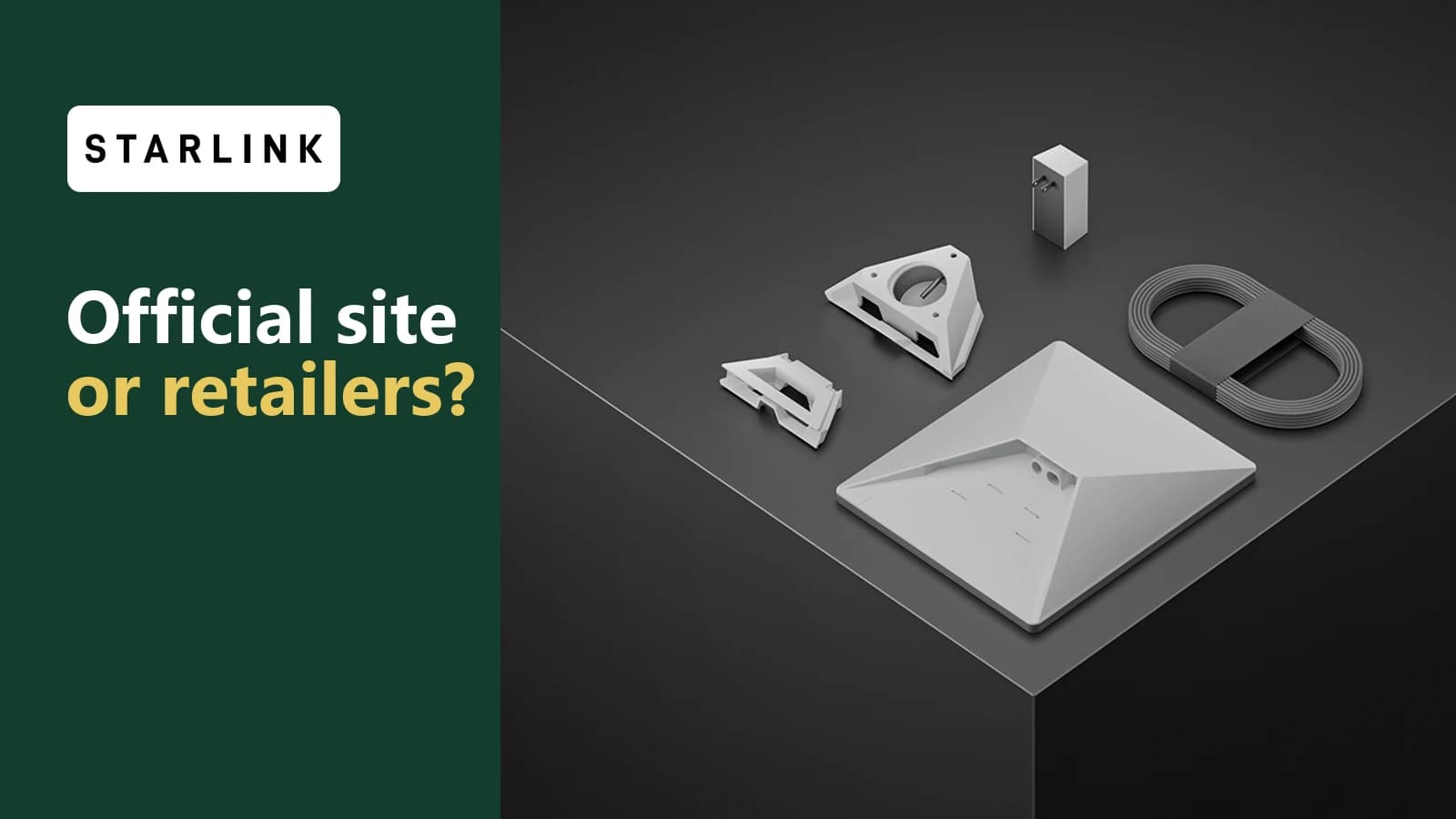 Starlink
Buy Starlink on starlink.com or at Best Buy, Amazon, Home Depot and Currys?
11/24/2026, Buying Guide Starlink
Does Starlink have a contract? A $0 rental kit, no fixed term in the US and UK, and the 30-day refund
11/20/2026, Practical Guide Starlink
Is Starlink worth it? Plan cost, unstable local fiber and backup use
11/20/2026, Buying Guide Starlink
 on Trustpilot: a 1.6 score from 879 reviews and what people complain about
11/20/2026, Reputation Analysis Starlink
Is Starlink legit? How to find the official site and check who is selling
11/20/2026, Editorial